LinkedIn and multichannel prospecting

Turn one sales task into a prospect record you can review

Meet Alfred brings account research, decision-maker context, channel planning, and human approval into your AI agent—without another seat-based dashboard.
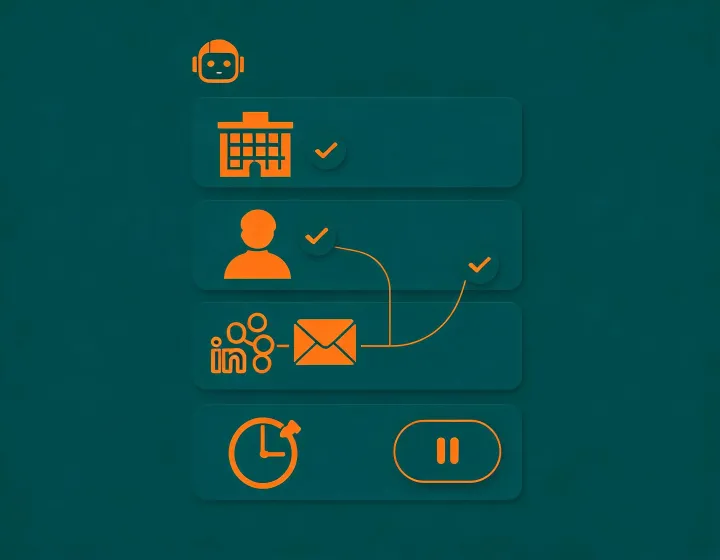
See the first result
AI agent preparing an auditable LinkedIn prospecting result

Copy, run, configure, first result

  1. 1. Copynpx -y @okki-global/okki-go-taroball

    Success means the exact command is in your clipboard—not that software has run.

  2. 2. Run

    Inspect the package identity and execute it in the terminal attached to your chosen agent runtime.

  3. 3. Configure

    Connect only the research sources and output destinations required for a controlled task; keep API keys in the runtime secret store.

  4. 4. First result

    Ask for a narrow ICP sample, inspect source recency and inference labels, then approve or reject the proposed next action.

A result that keeps its reasoning visible

SAMPLE

Prospect result

Account: Northstar Systems

Role: VP, Revenue Operations

Suggested channel: LinkedIn research first

Sourceshown per material fieldChecked timekeeps stale signals visibleUnknownpreserved instead of guessedHuman gatebefore messages or exports

Install and workflow FAQ

No. Copying only places the exact command in your clipboard. You choose whether and where to inspect and run it.

The recommended operating model separates research, drafting, review, and action. Platform policy, suppression, relevance, regional requirements, and account safety still need human judgment.

Use a labeled sample and track accepted prospects, uncertain matches, source freshness, reviewer time, provider calls, and approved channel actions. Do not infer universal accuracy from one run.