Inspect before execution
Confirm the npm package name, requested actions, runtime, network access, update path, and uninstall path before running anything.
Install
Use the required installer in an isolated workspace, inspect every permission request, then connect only the sources needed for a small LinkedIn and multichannel prospecting test.
npx -y @okki-global/okki-go-taroball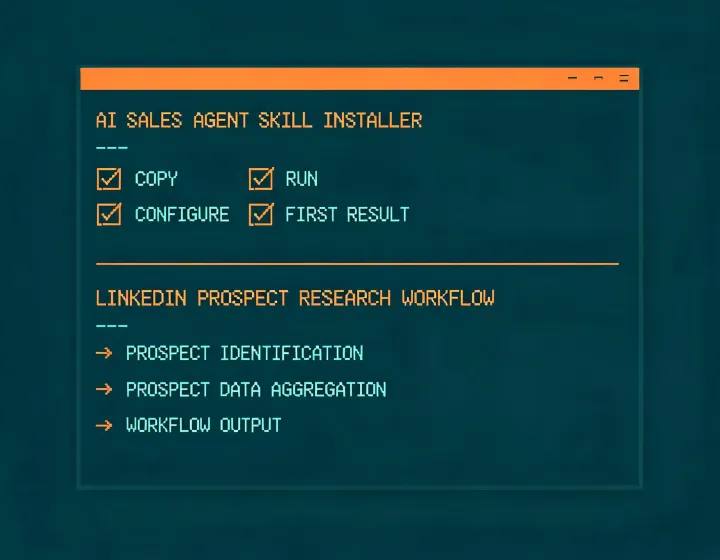
Installation should be short; operational judgment should remain visible. Meet Alfred keeps setup, credential configuration, prospect research, and human approval as separate states so a copied command never masquerades as a completed or authorized workflow.
Confirm the npm package name, requested actions, runtime, network access, update path, and uninstall path before running anything.
Place provider keys in the runtime secret store, grant least privilege, and keep tokens out of prompts, screenshots, exports, and source control.
Research a small ICP sample, preserve source and checked-time evidence, and require a person to approve every LinkedIn or outreach action.
These are operating records, not certification badges. SOC 2, ISO 27001, GDPR, CCPA/CPRA, CAN-SPAM, and CASL require current evidence and context-specific review; this page does not claim that Meet Alfred holds a certification or makes a deployment compliant.
Copy the exact command, review it in your terminal, and run it only when the runtime and permissions match your policy.
npx -y @okki-global/okki-go-taroball